 Updated on 13 April 2025 - 5 min read
 PPC Rocket
Guide to Setting Up Google Ad Campaigns for Shopify
Google Ads has proven to be an effective tool for businesses to drive traffic to their website, increase brand awareness, and ultimately boost sales. For Shopify store owners, Google Ads can be an excellent way to reach potential customers actively searching for similar products. However, setting up and managing Google Ads campaigns can be daunting, especially for those new to the platform. This article will guide Shopify store owners on how to set up and manage successful Google Ads campaigns and maximise their sales potential.
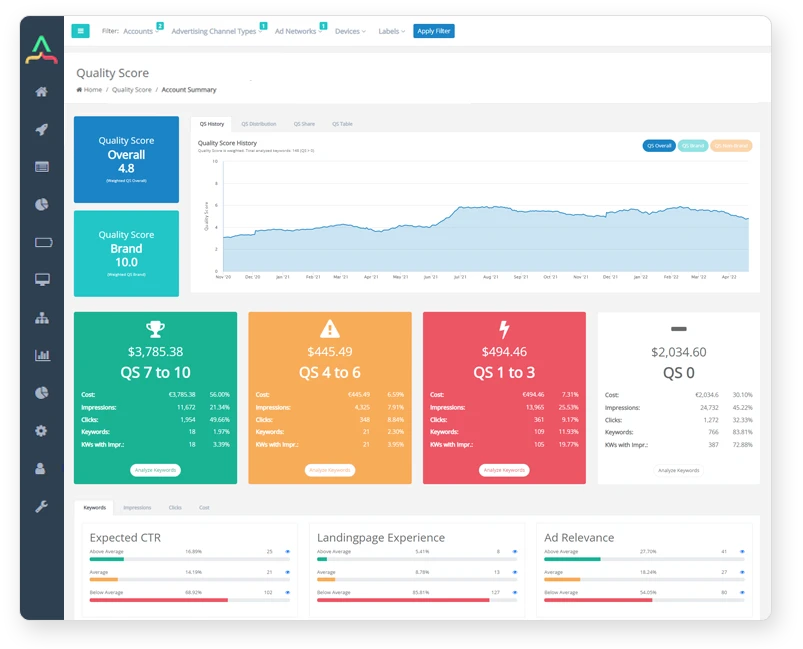
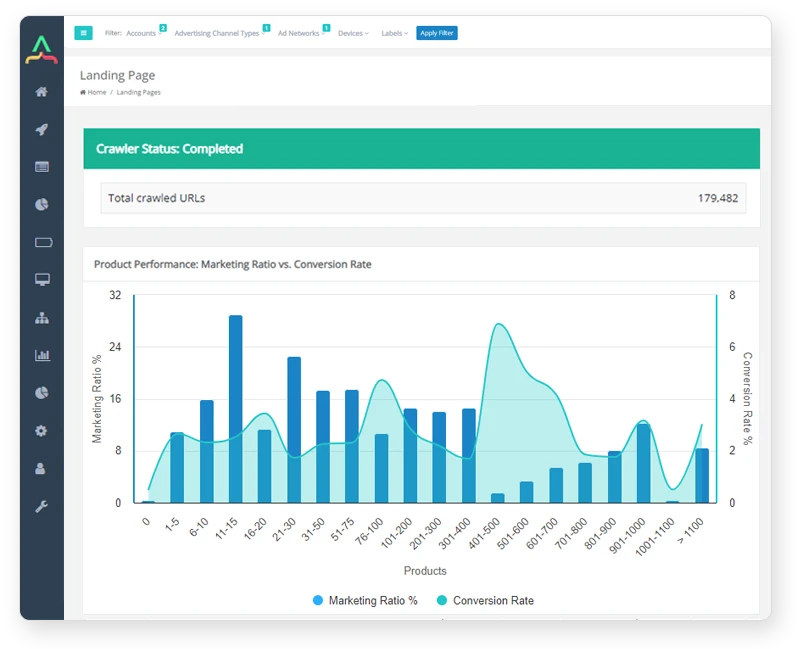
Start Creating Better Google Ads
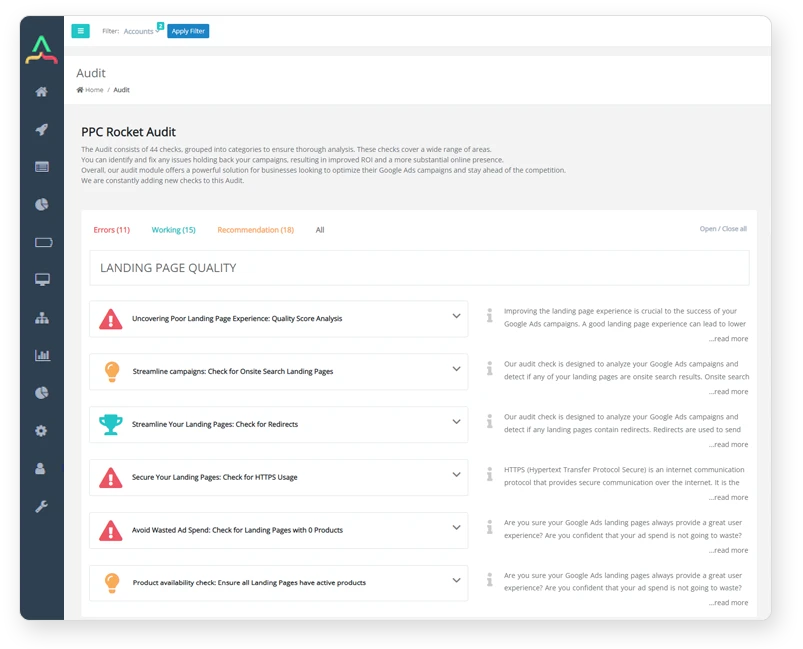
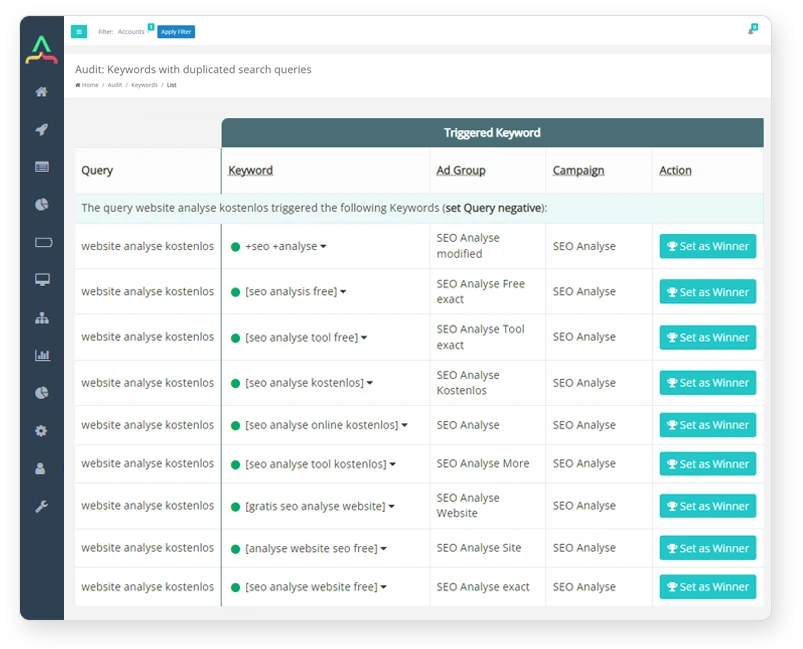
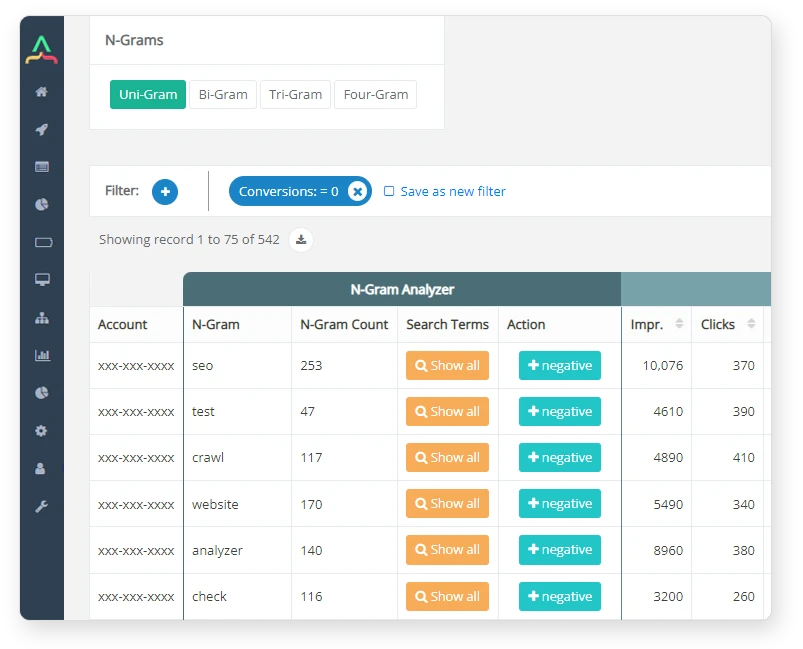
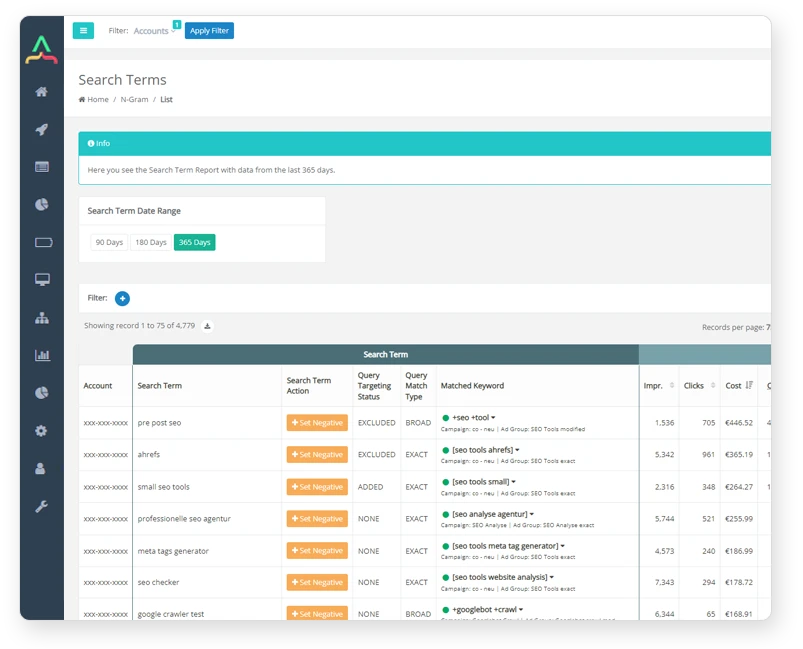
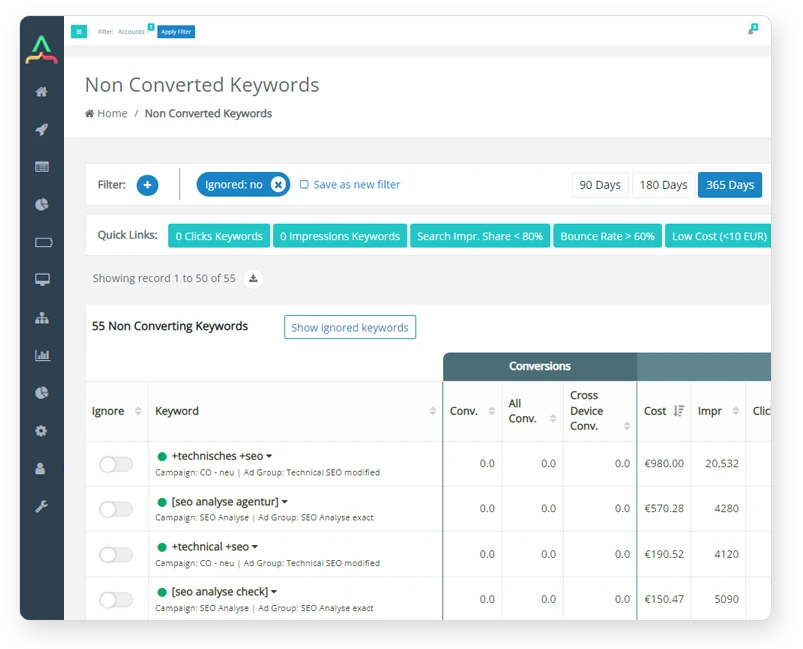
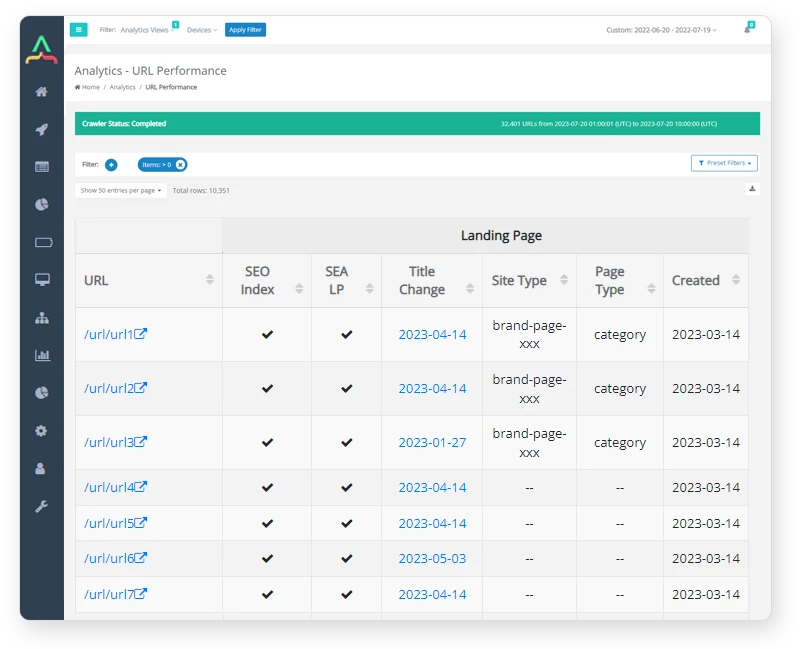
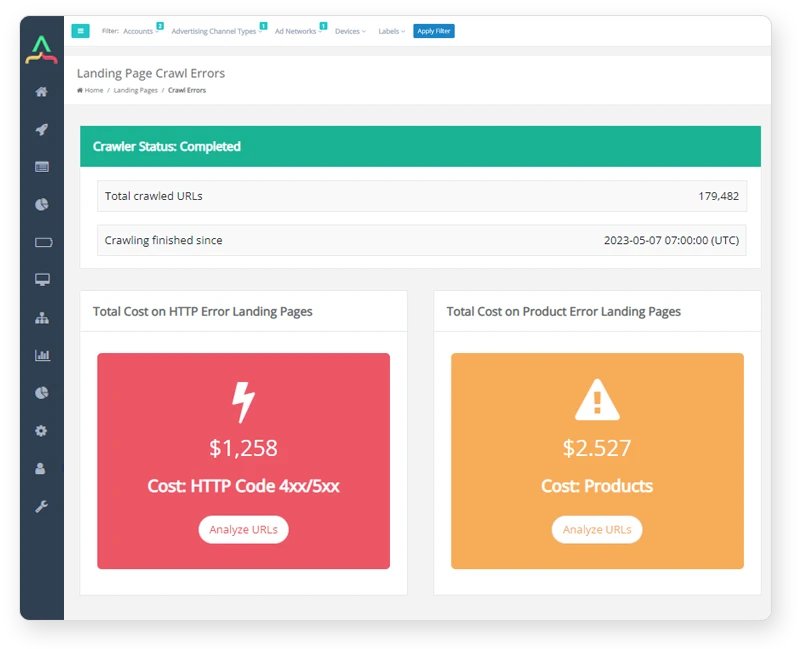
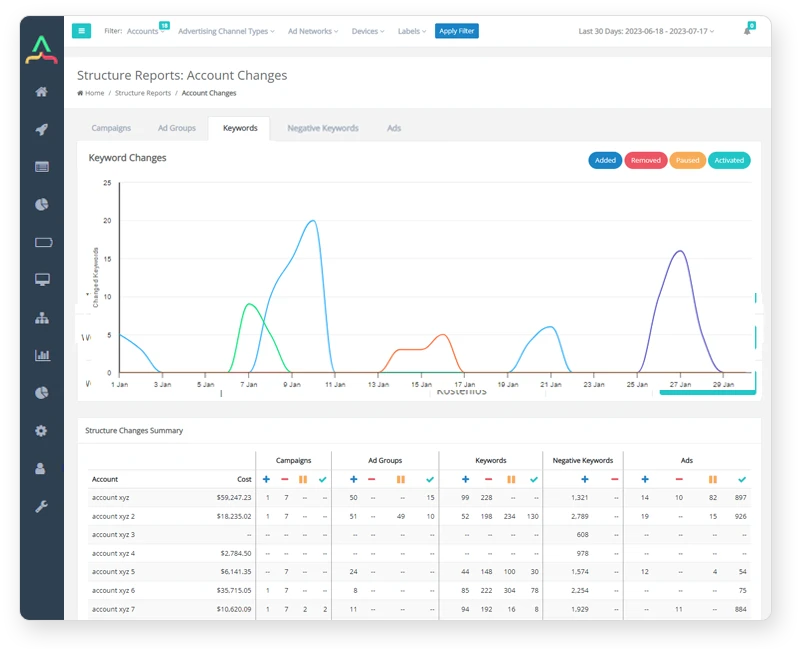
See how PPC Rocket can help you achieve best practices when it comes to Google Ads. Optimize your ad spend with all the tools you need to measure, track, and improve performance.
Introduction to Google Ads for Shopify
Google Ads (previously known as Google AdWords) is an online advertising platform developed by Google. It allows businesses to place ads on Google's search engine and other websites through the use of pay-per-click (PPC) advertising. With Google Ads, businesses can bid on specific keywords that users search for and display their ads to potential customers actively looking for similar products or services.
For Shopify store owners, Google Ads can be an excellent tool to drive traffic to their website and increase sales. By targeting specific keywords and demographics, Shopify store owners can reach potential customers most likely interested in their products. In addition, Google Ads allows for flexibility in budgeting, so businesses can control their spending and maximise their ROI.
Setting up Google Ads Account for Shopify
Store owners must create a Google Ads account before setting up a Google Ads campaign for a Shopify store. To create an account, they should visit the Google Ads website and follow the prompts to create an account. Once the account is created, they can link it to their Shopify store by following the instructions provided by Google.
After linking their Google Ads account to their Shopify store, store owners should create a new campaign by selecting the campaign type that best fits their goals. Google Ads offers several campaign types: search, display, shopping, and video. For Shopify store owners, search campaigns are typically the most effective, as they allow ads to appear when potential customers search for specific keywords related to their products.
Creating and Managing Google Ads Campaigns for Shopify
Once a campaign type is selected, store owners should create ad groups that target specific keywords related to their products. For example, if a Shopify store sells handmade jewellery, they could create ad groups that target keywords such as "handmade necklaces" or "unique bracelets." Targeting specific keywords allows store owners to display their ads to potential customers actively searching for similar products.
Next, store owners should create ad copy that is compelling and relevant to the keywords they are targeting. Ad copy should be concise, highlight the product's unique features, and include a call-to-action that encourages users to click on the ad and visit the store's website.
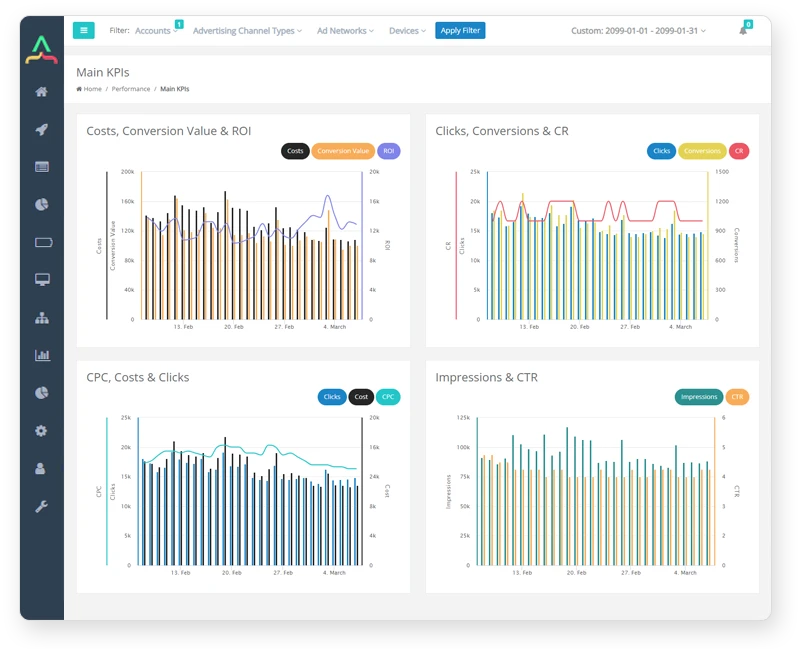
Once the ads are created, store owners should monitor their campaigns regularly to ensure they perform as expected. This includes reviewing key metrics such as click-through rates (CTR), cost-per-click (CPC), and conversion rates. If a campaign performs poorly, store owners should adjust their targeting, ad copy, or budget to improve performance.
Skyrocket Your Shopify Store's Sales
Google Ads can be a valuable tool for Shopify store owners to reach potential customers and drive sales. Following the steps outlined in this article, store owners can set up and manage successful campaigns that maximise their sales potential.
Ready to launch your Google Ad campaign to new heights? Let PPC Rocket take your advertising strategy to the next level. Contact us today at +49172/3494071 to blast off your online presence and reach your target audience precisely and efficiently. Start a free trial today!
Start Creating Better Google Ads
See how PPC Rocket can help you achieve best practices when it comes to Google Ads. Optimize your ad spend with all the tools you need to measure, track, and improve performance.
Share with
Articles
Discover New PPC Marketing Tips, Strategies, and Insights
November 7, 2025

Google Ads Audit
Maximize ROI with a Google Ads Audit: Enhance ad copy, choose strategic keywords, use efficient extensions, and adopt automated bidding. Optimize spend and elevate Google Ads performance.
October 12, 2024

6 Keys to a Successful and Well-Executed Google Ads Campaign
Google Ads, formerly Google AdWords campaign, is a powerful online advertising platform allowing businesses to display their ads on Google and its partner websites.
November 15, 2024

Debunking 4 Myths about Metasearch and PPC Advertising
Today, we will debunk the most common myths surrounding metasearch and PPC advertising in the UK, allowing you to make a more informed decision.
December 21, 2025
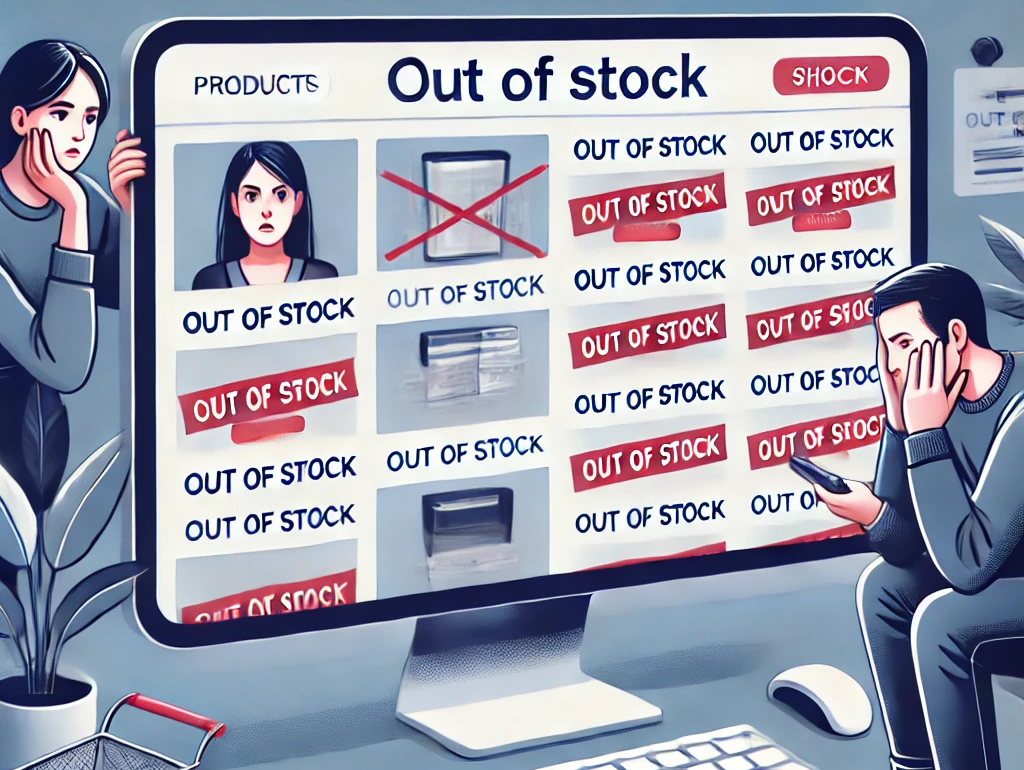
Google Ads: Stop Wasting Budget on Out-of-Stock Pages
Out-of-stock ecommerce pages silently sabotage your Google Ads performance. Discover how to immediately fix it and boost your ROI.

4.7 Star (104 ratings)
from PPC Professionals
Fix the Signals Driving Your Bidding.
Smart Bidding fails with messy data. Resolve internal bid competition and duplicate search terms to provide the high-fidelity signals required for automated scale.
Secure Signal Clarity